
Help
All official domains and mirrors of Pinnacle are supported: pinnacle.com, pinnacle.se, pinnacle.bet, pinnacle.ca and others.
How to save your bet history from Pinnacle
- Install the BetMetrics browser extension if you haven't already.
Extension installation guide - Visit the Pinnacle site using any available domain or mirror and log into your account.
- Open the "Betting history" page.
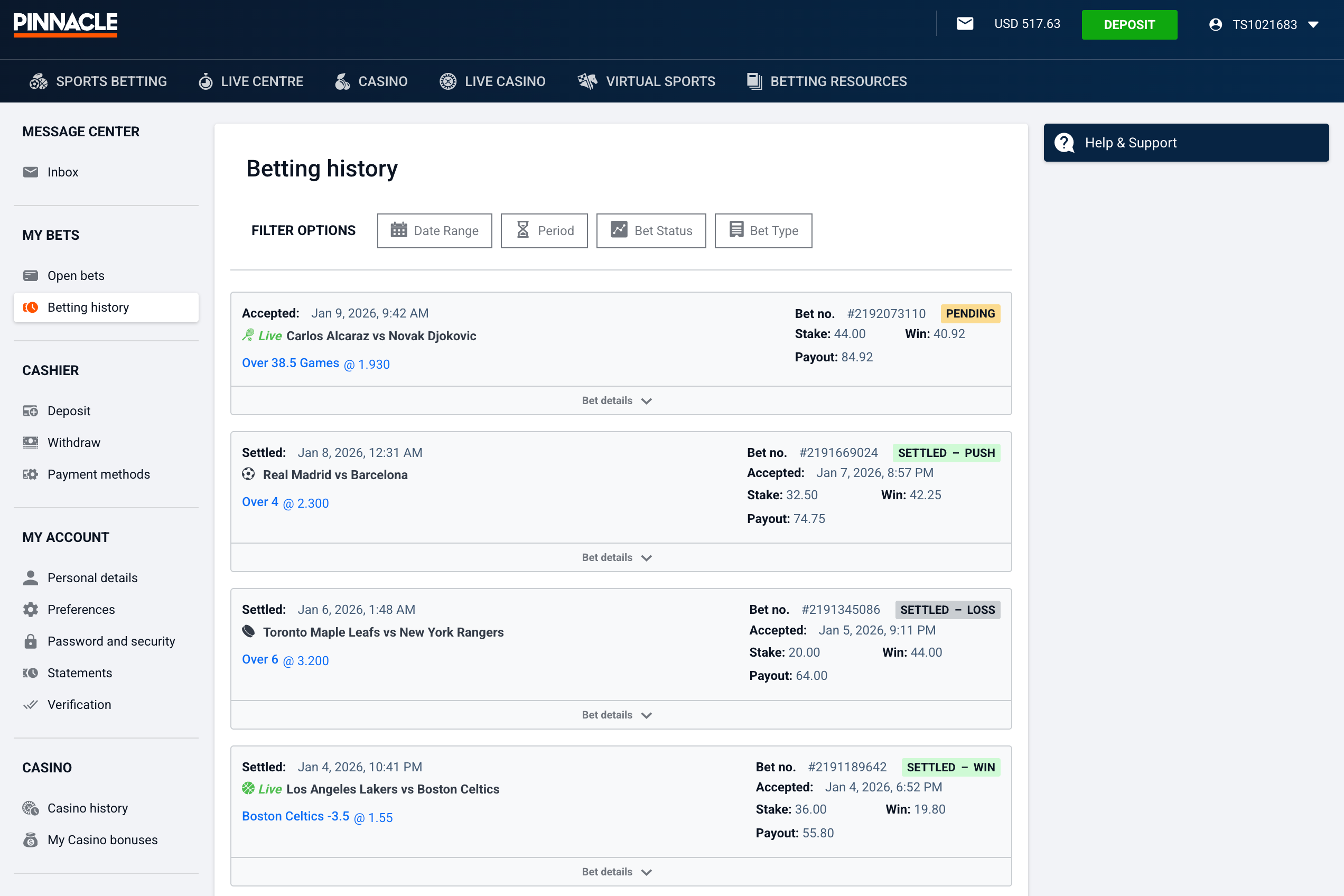
Pinnacle — betting history page Account data will be saved to the system automatically.
This is how it will appear in the BetMetrics interface:
BetMetrics — uploaded account data After upload, your bet history will appear like this:
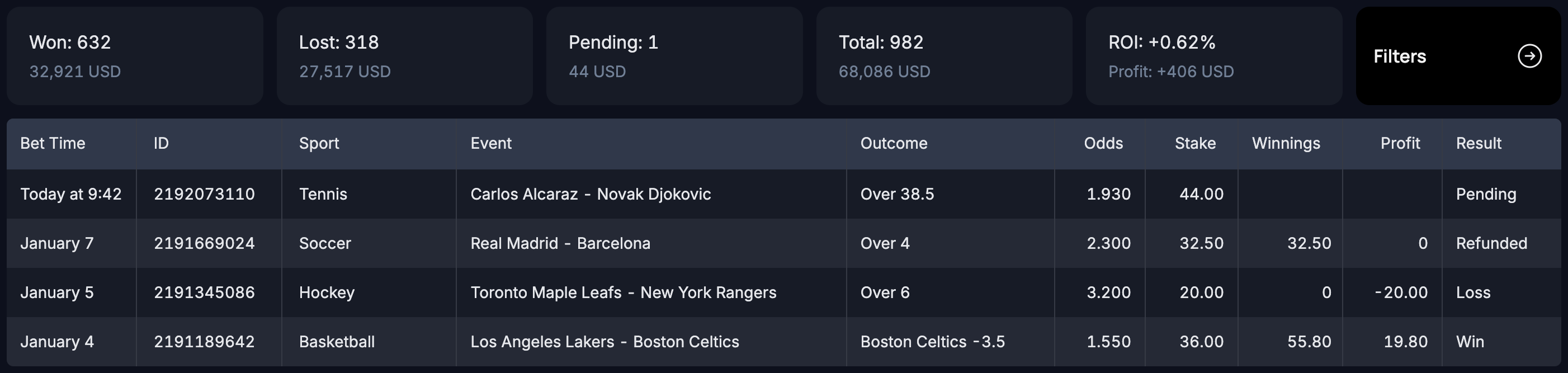
BetMetrics — uploaded bets


How Pinnacle provides bet history
Pinnacle returns bet history in 1,000-bet chunks per request. During import, BetMetrics fetches and saves the entire chunk, even if the Pinnacle UI shows fewer rows.
How to import your full history
Open filters in Pinnacle and select the period you need: a specific day, a month, or any date range. Wait for bets to load in the Pinnacle interface. The BetMetrics extension will automatically pick them up and save them. After that, switch the filter to the next period. If you have more than 1,000 bets for the selected period, narrow the range. For example, select individual days or weeks within that month. In a few steps, you’ll collect your full history for analysis.