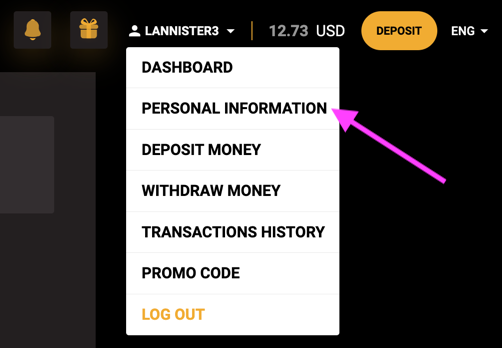
Open the account menu and select "PERSONAL INFORMATION".
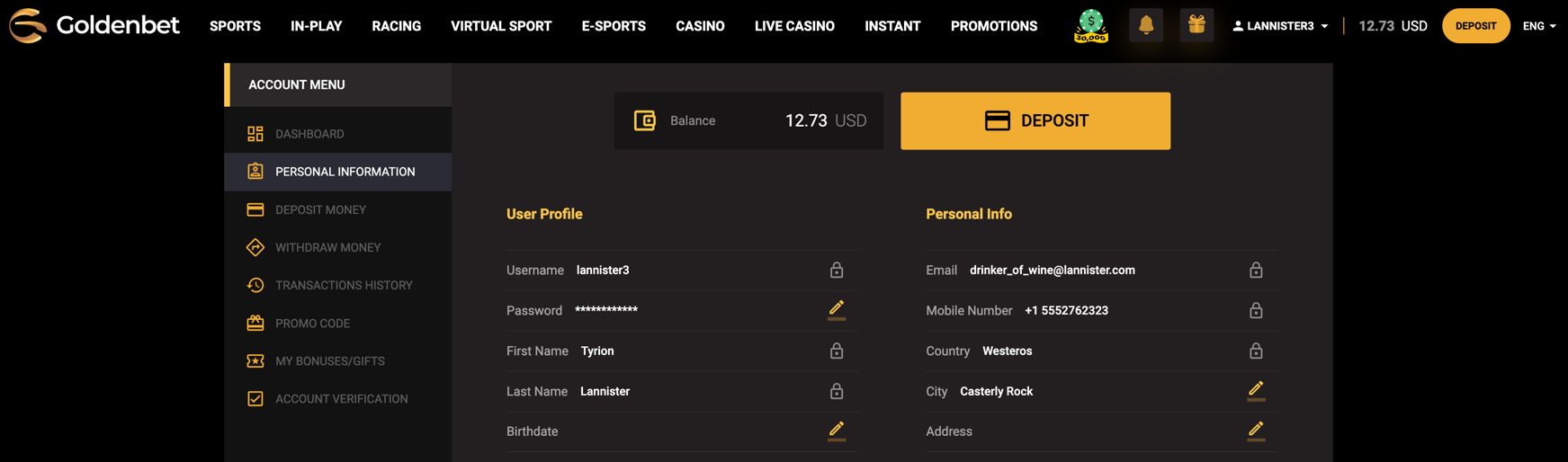
Goldenbet-selecting "PERSONAL INFORMATION" from the account menu This will take you to a page with your account details:
Goldenbet — account information page
Account data will be saved to the system automatically. This is how it will appear in the BetMetrics interface:
BetMetrics — uploaded account data
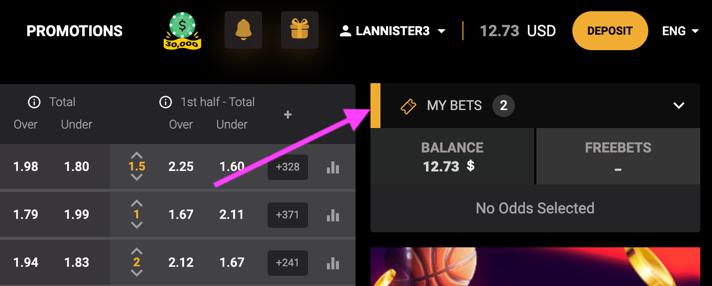
Go to the prematch or live betting section, then click the "MY BETS" button on the right:
Goldenbet — button to access bet history
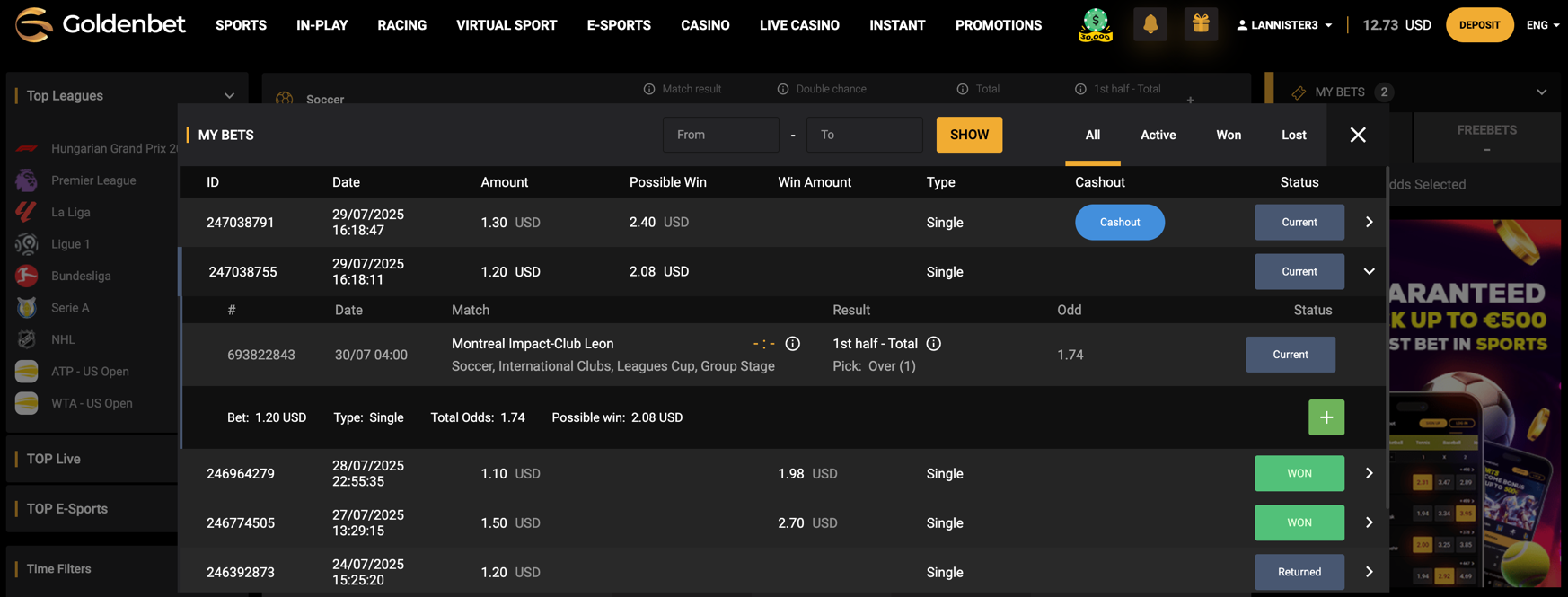
A window with your bet history will then open. On the Goldenbet site, all bets are shown collapsed — to see details, you need to manually expand each one. But that’s not necessary: our extension automatically collects full info for all bets, even if they are collapsed.
Goldenbet — your bet history window
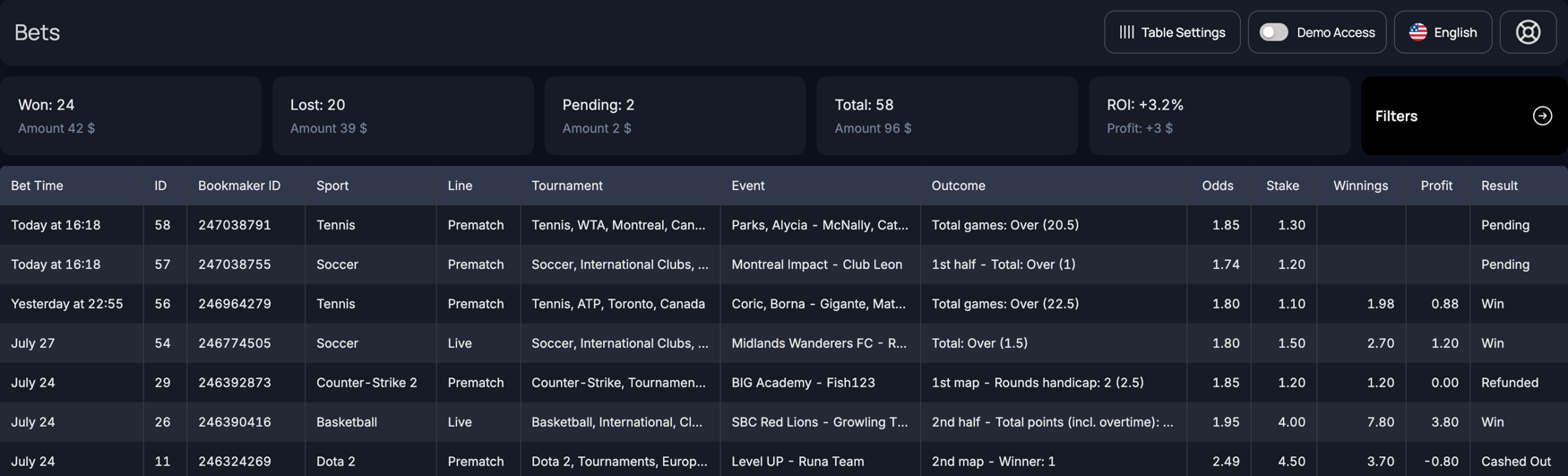
After upload, your bet history will appear like this: